
As a creative professional, I often shift from one project to another before finishing the first, journaling helps me from running out of ideas or remaining stagnant in my creative flow. Art journaling and generative art are low-stakes, yet powerful exercises that are essential to practicing my craft, exploring new processes, tools, techniques, and experiments.
Continuous ideation helps keep my creative spark alive while honing my skills. One principle of design I have reluctantly learned to embrace is “showing your work.” Please keep in mind that each entry is a work in progress. For the last project, I wanted to share a glimpse into my process.
Some projects wanted to share include captures from National Photography Month, experiments with abstracts and color fields, “readymade” eReader wallpapers, and repurposed vintage paint-by-numbers. While these pieces might not be gallery-ready, starting from scratch has led to results I’m truly thrilled about. I thrive on building something out of nothing.
National Photography Month
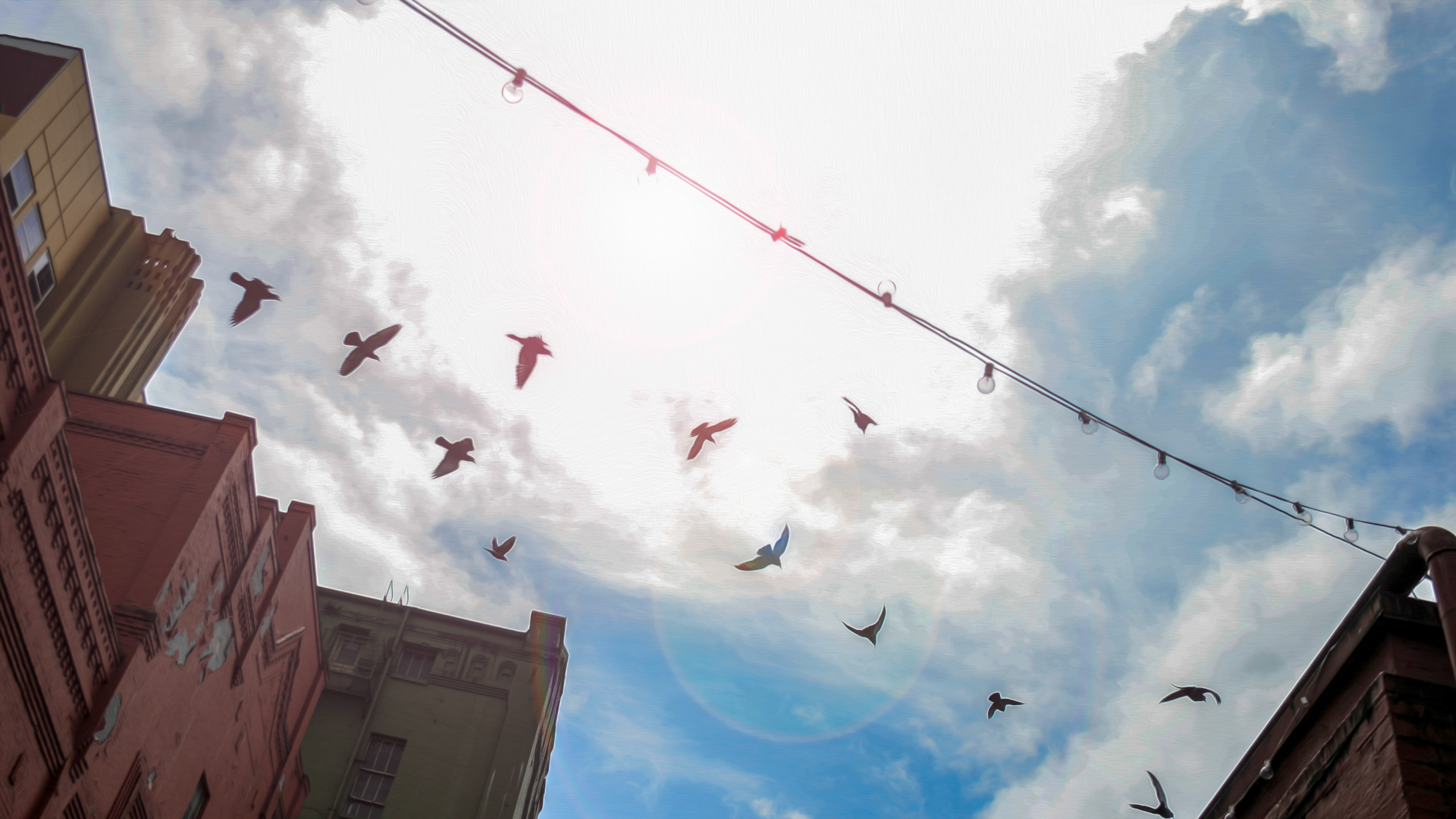
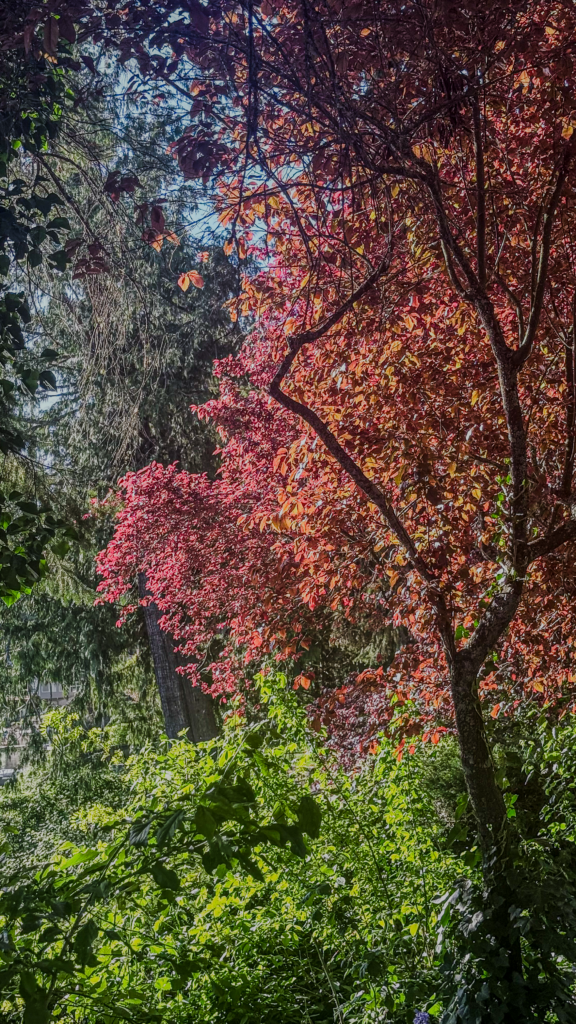
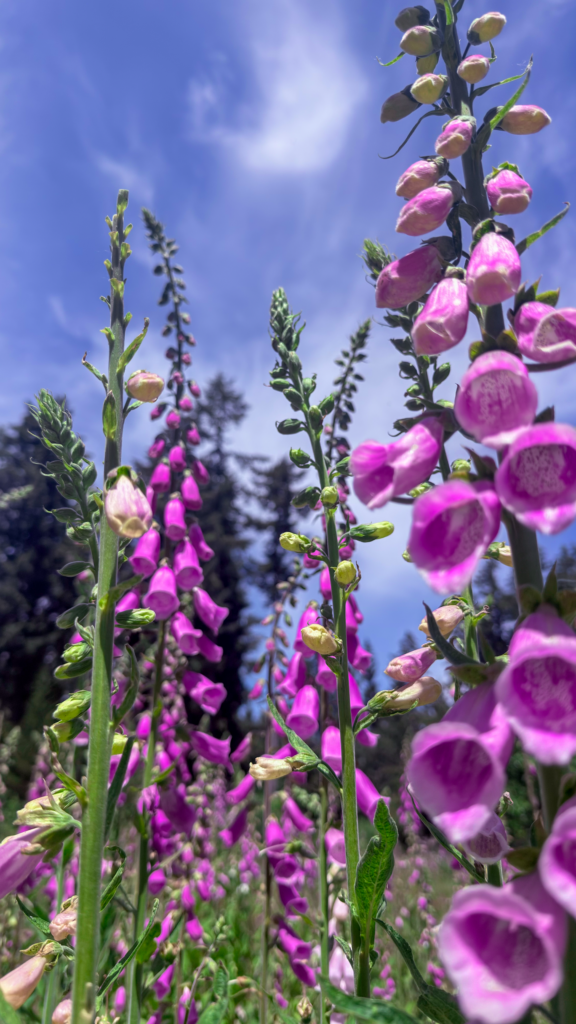
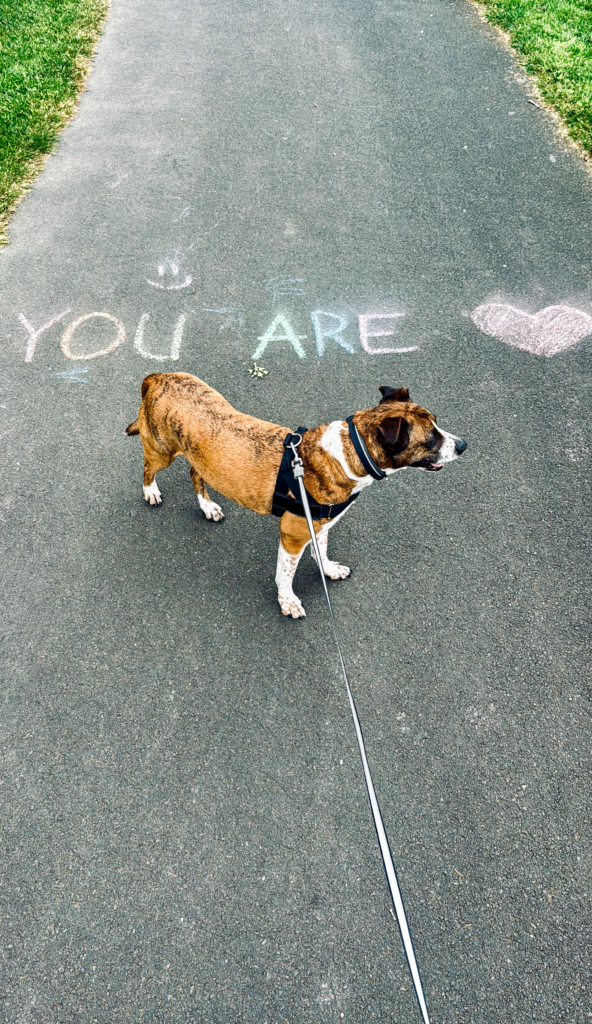
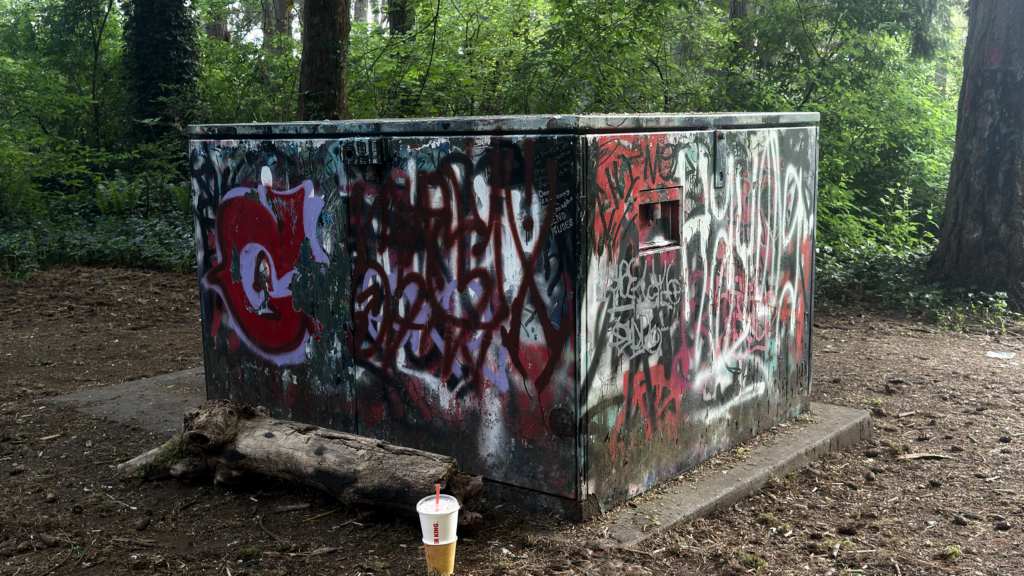
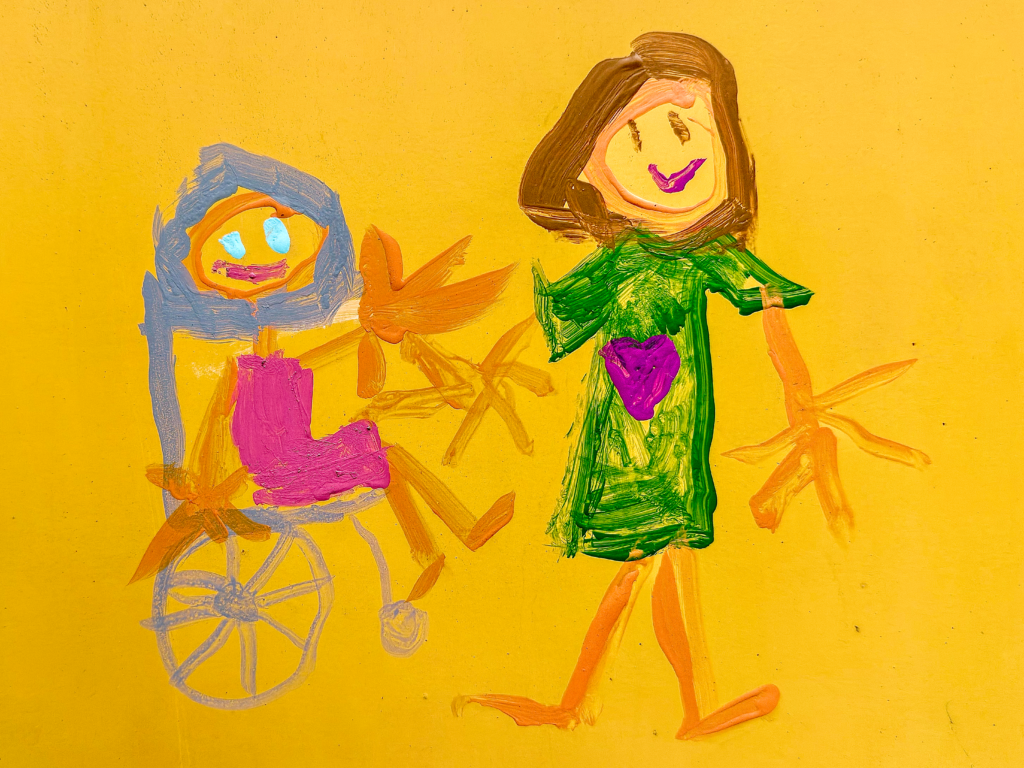
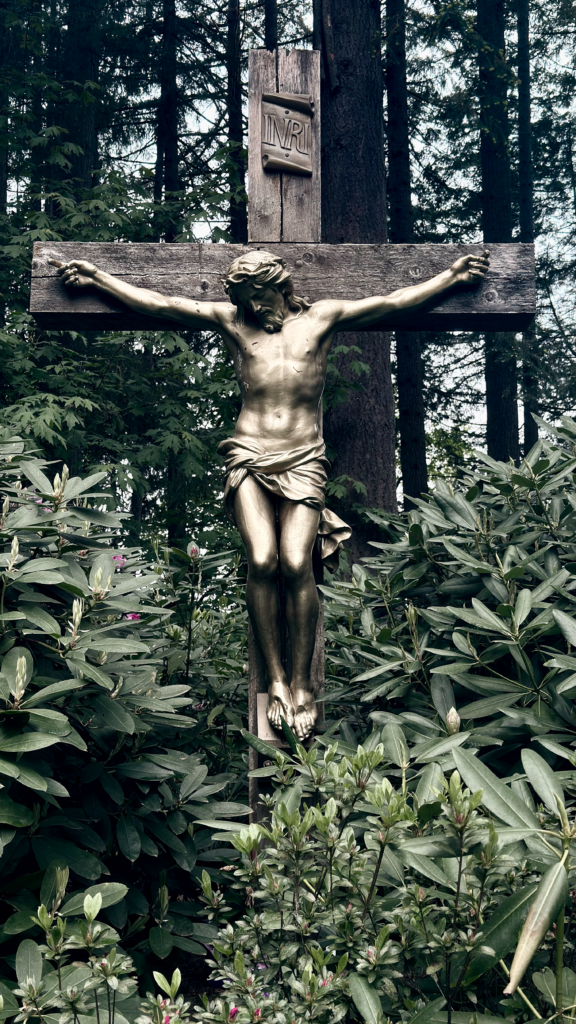
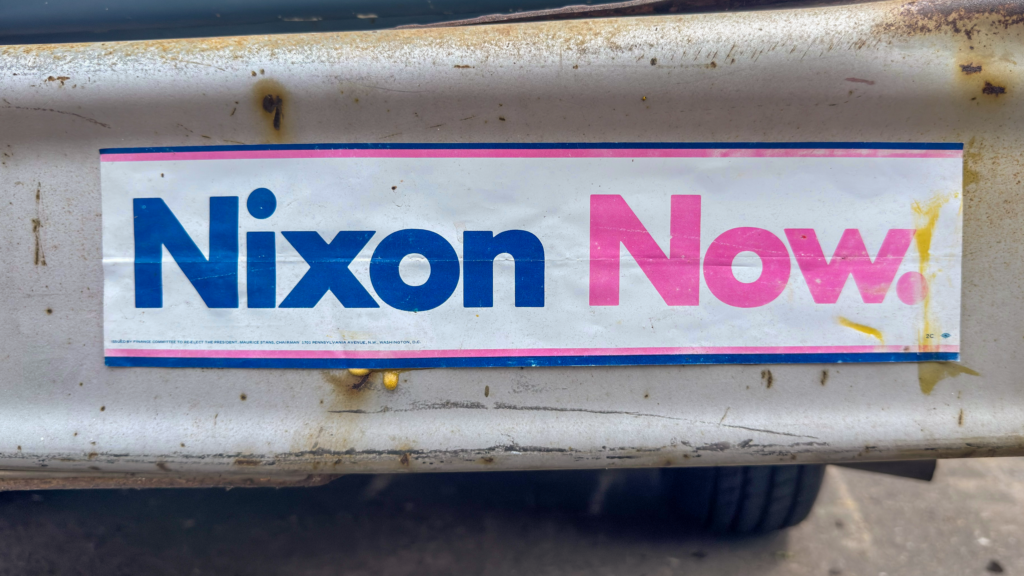
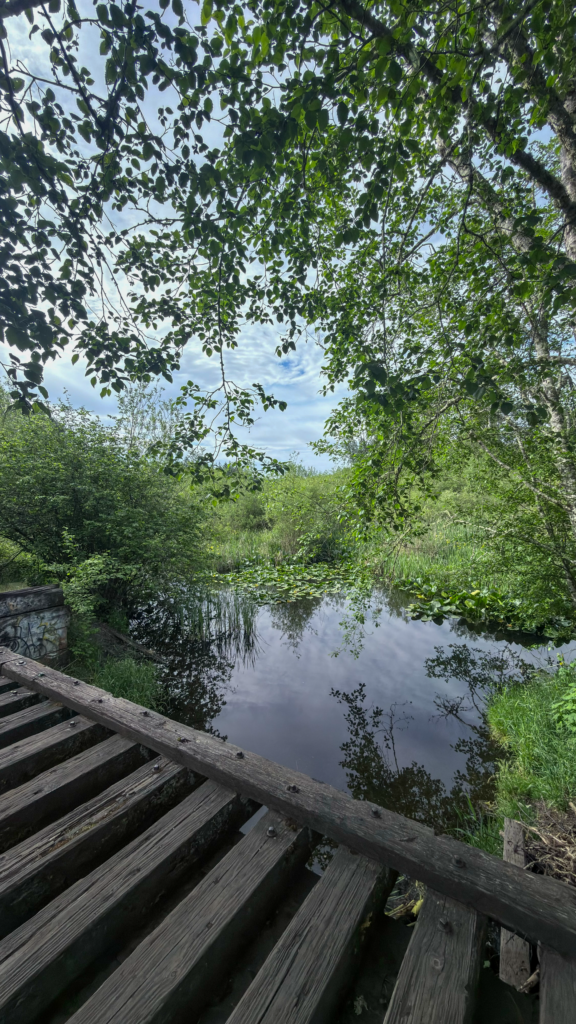
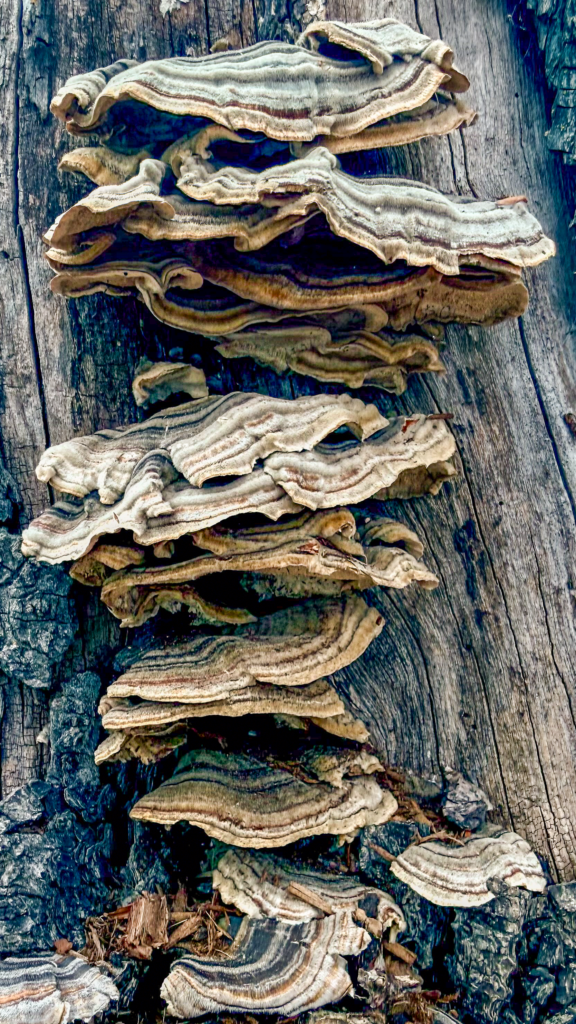
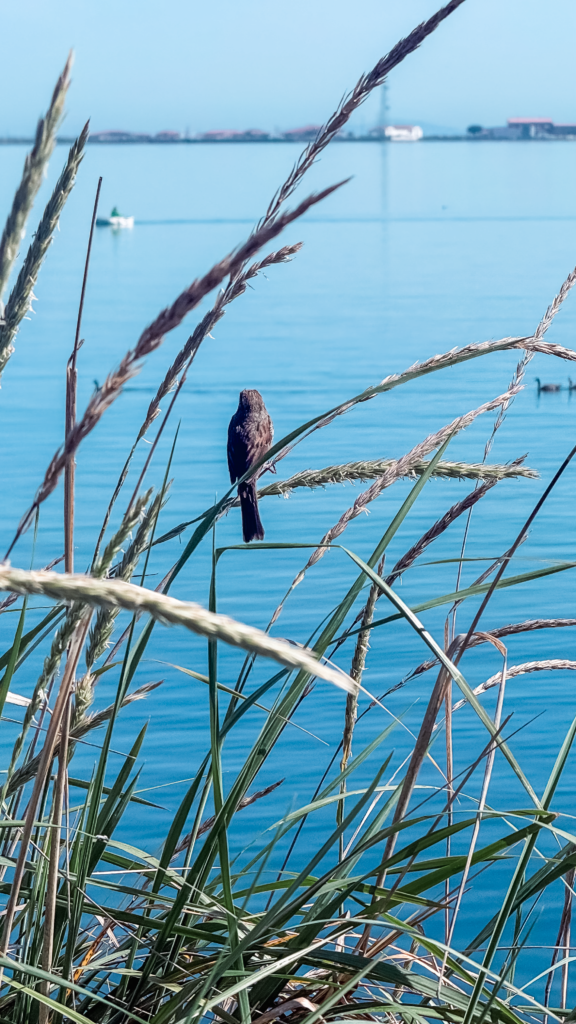
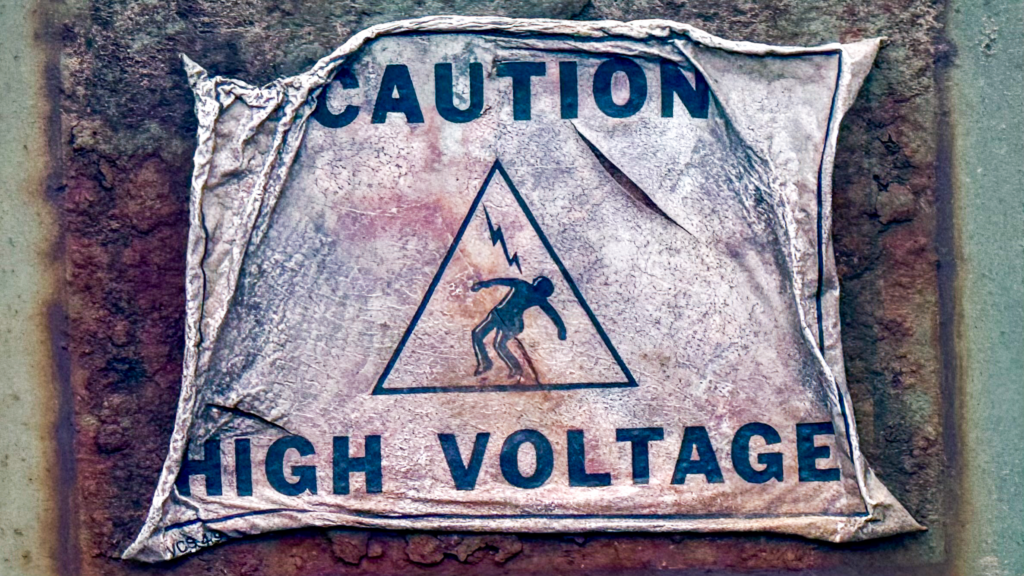
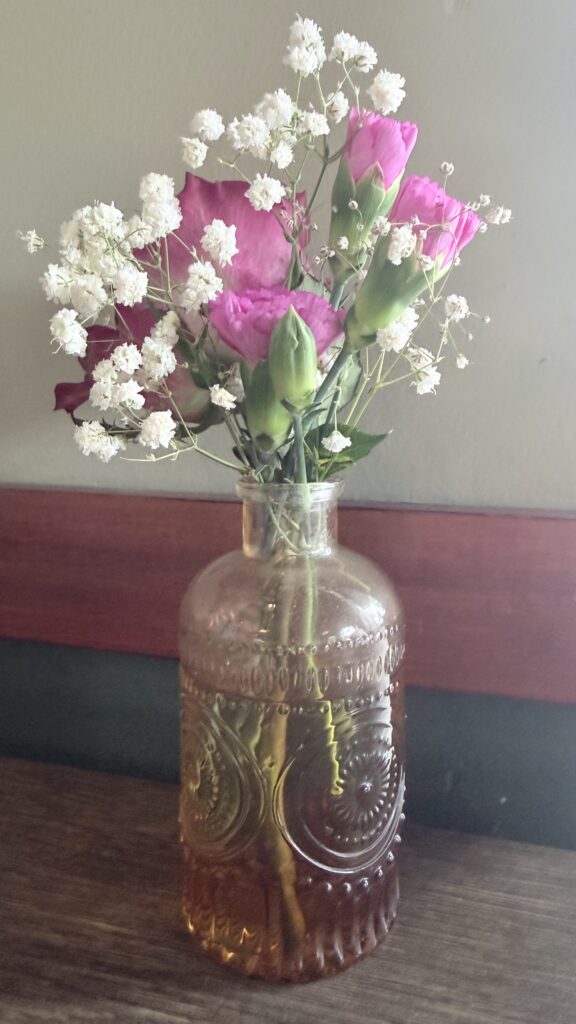
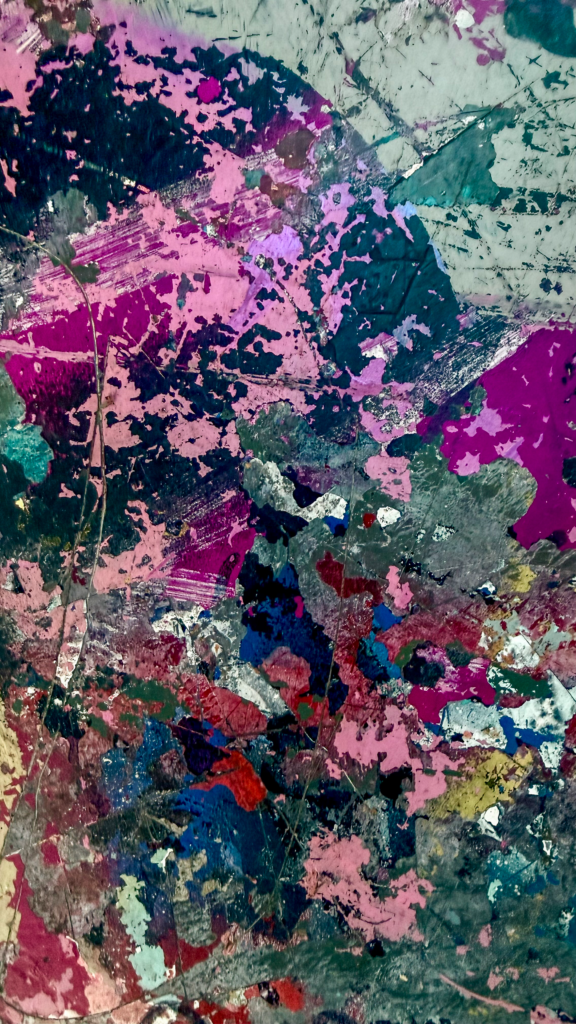
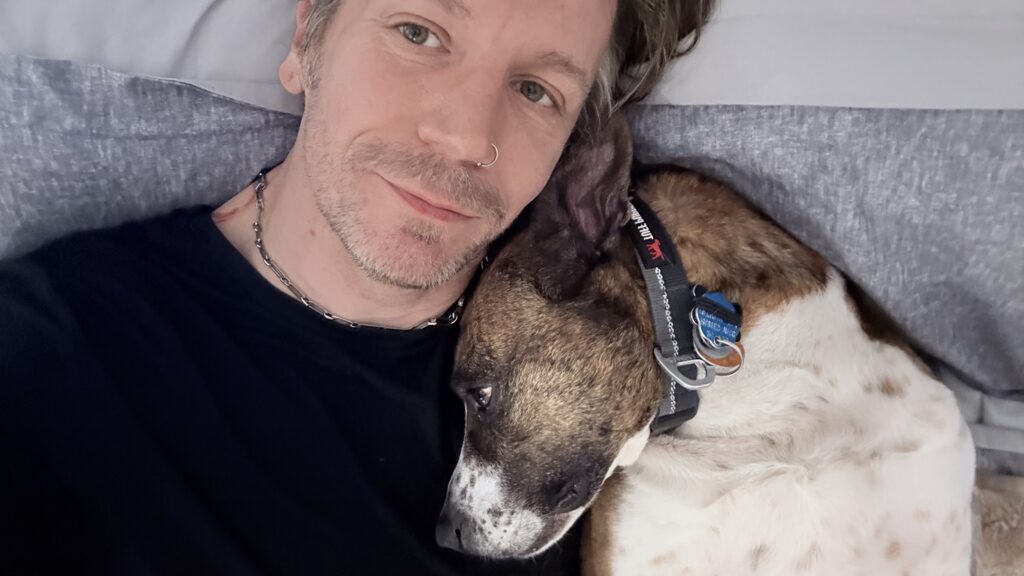
Let’s kick things off by proving that I back up my words with actions. I wanted to share some of my favorite captures from National Photography Month (May 2026). These images were captured using the techniques highlighted in my recent journal entry about Photo Walks.
Not that I am being graded, but I would like extra credit or additional consideration, as many shots were captured by hand with my little shadow, Trixie, in tow. 😝

Abstracts
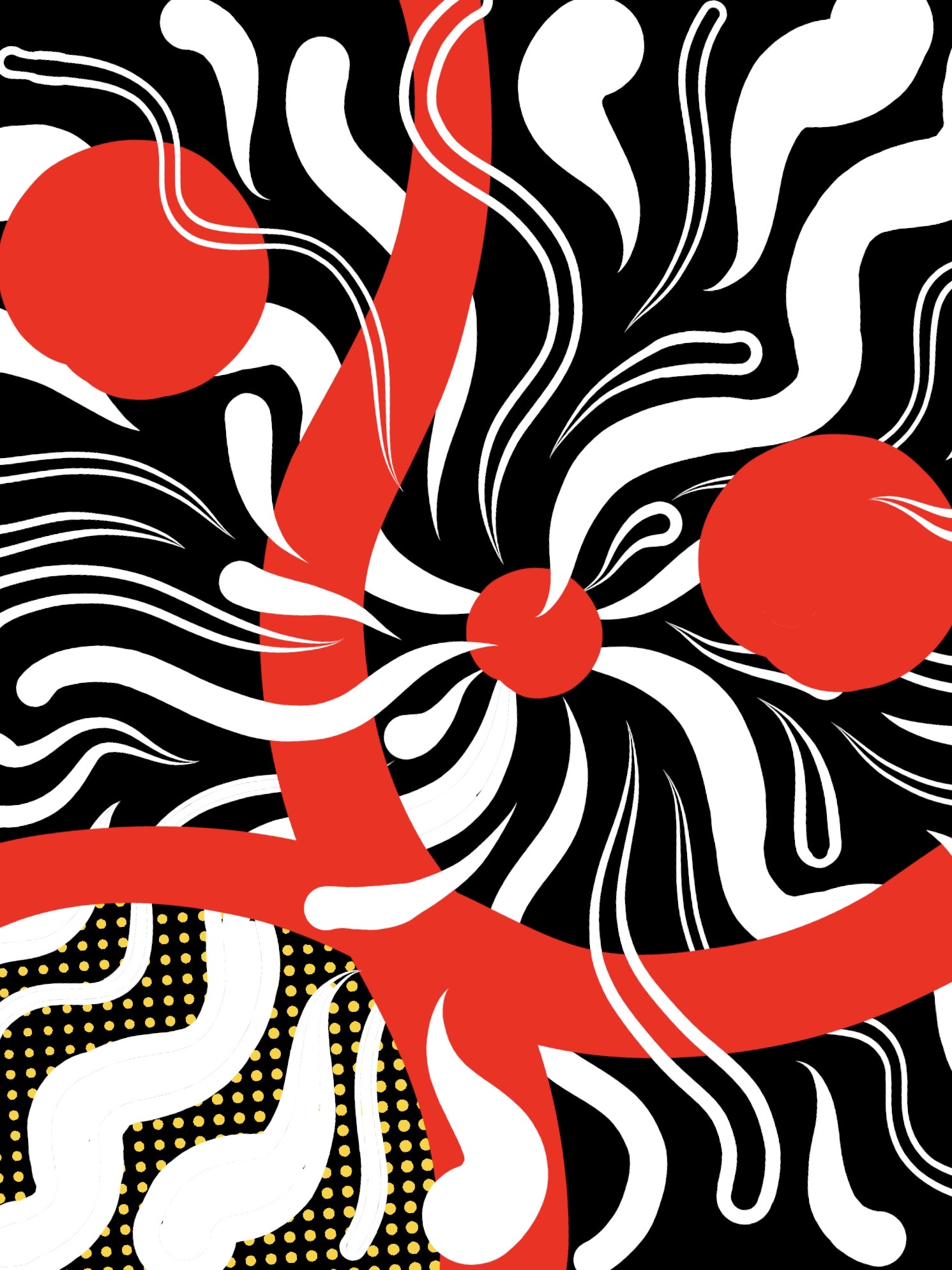
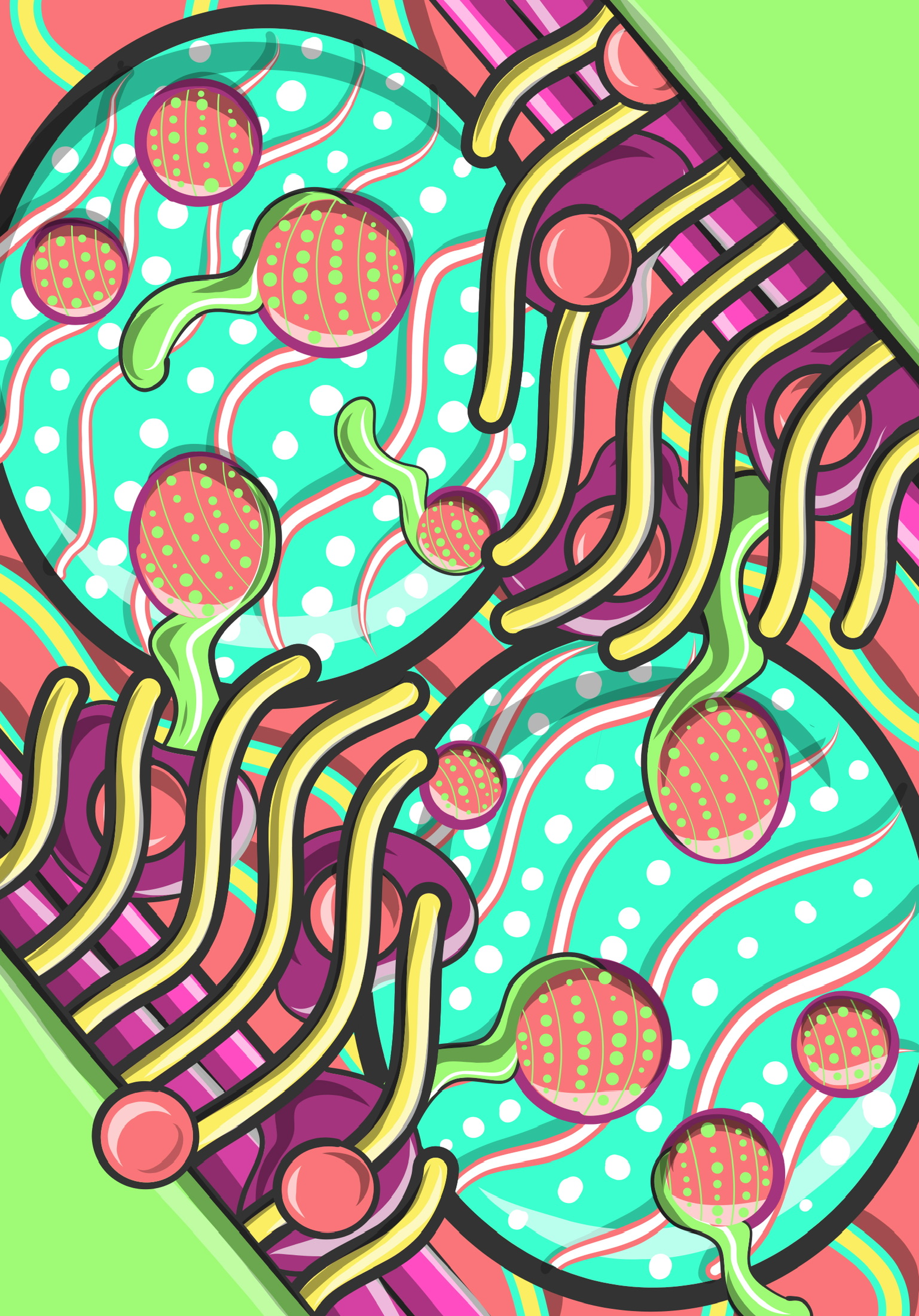
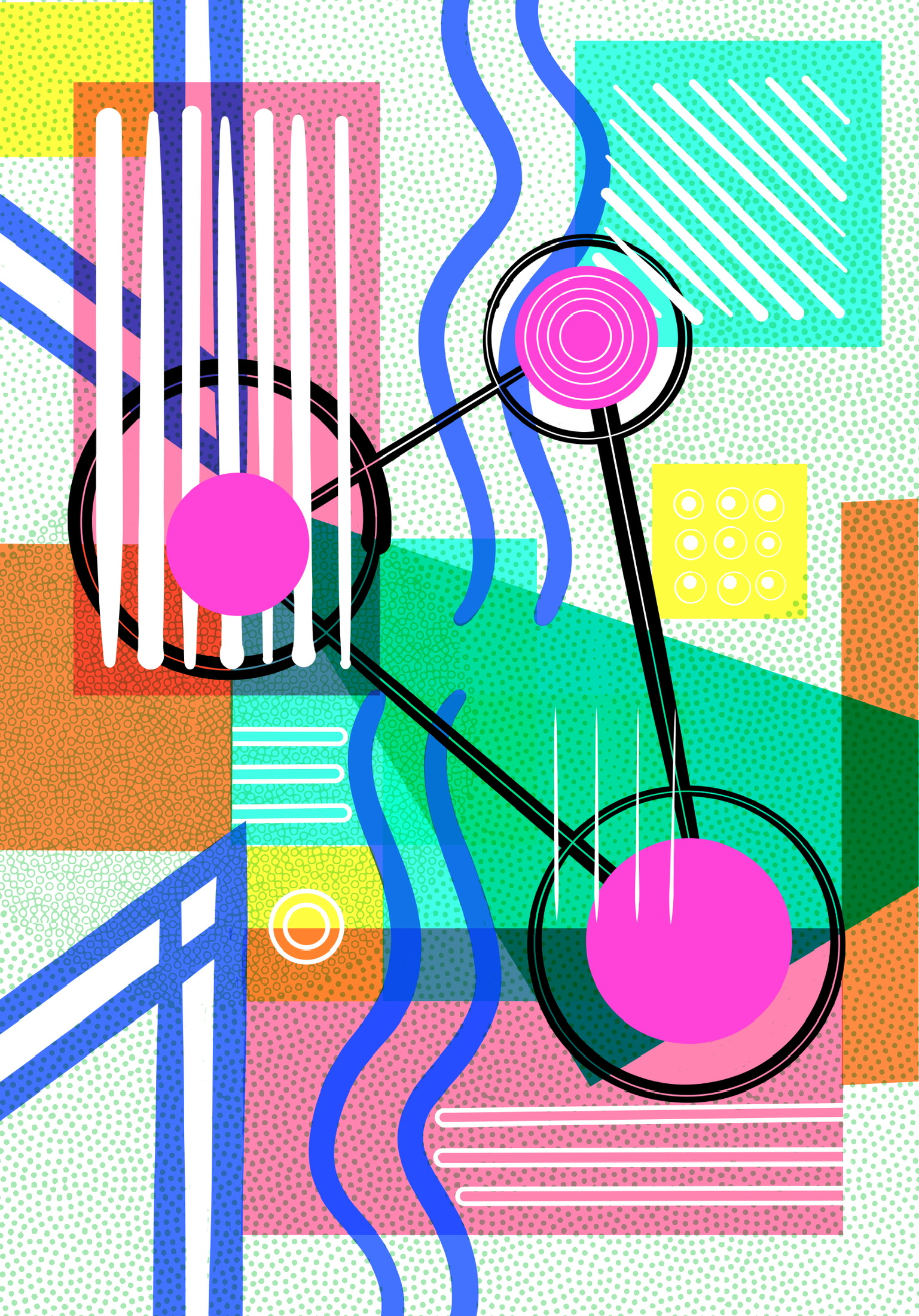
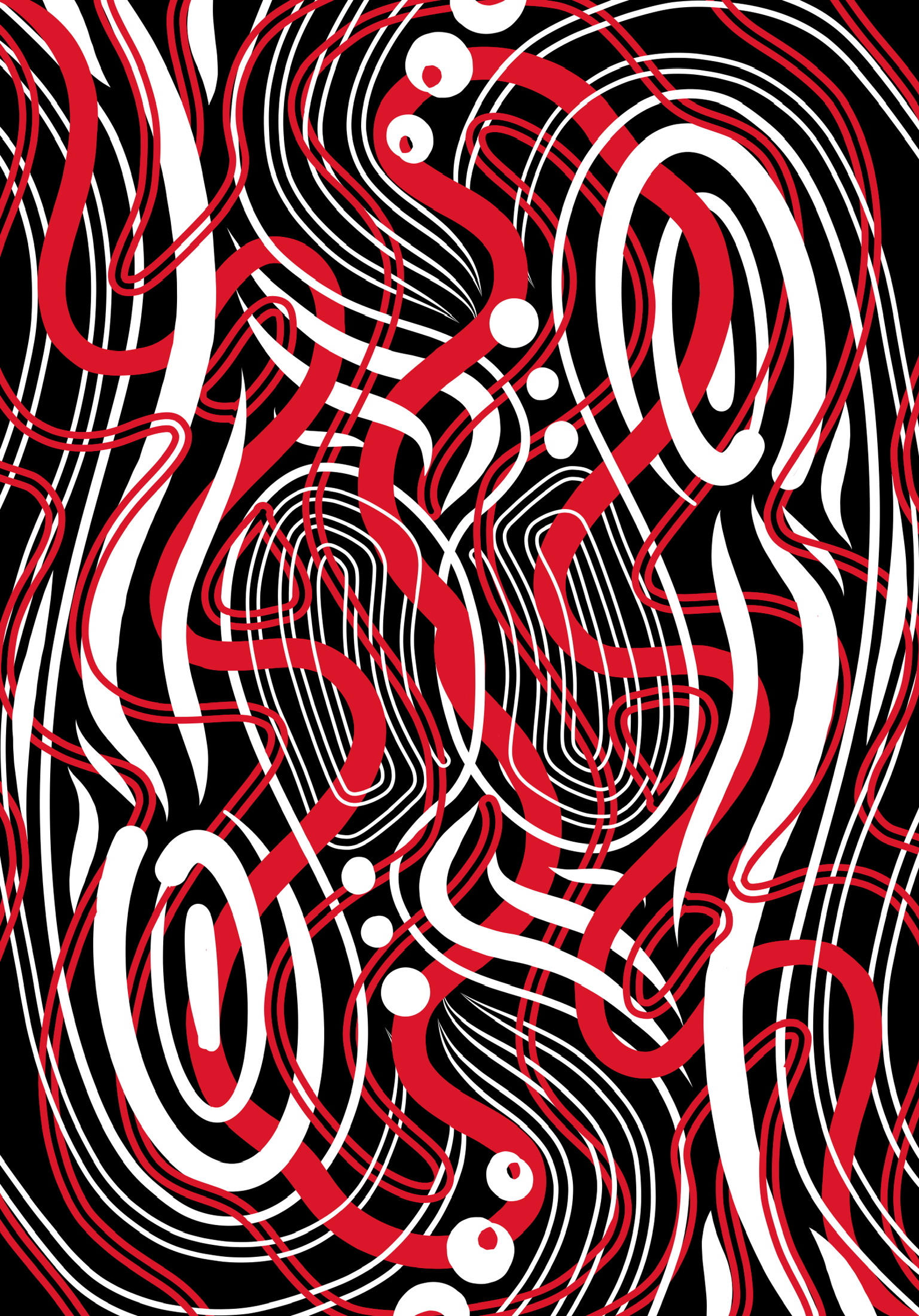
Sometimes, I have the urge to draw for the simple joy of creation and to keep my skills sharp. It’s also a great way to immerse myself in the process without overthinking.
As a result its a perfect time to experiment and play with tools, form, color, and filling a space, working towards a composition that is ideally both abstract and harmonious. Balanced, even if it’s asymmetric.
Not every sketch is a winner, but that’s the beauty of embracing the journey of exploration and self-expression for you.
To the right is a time-lapse of a sketch so you can see just how haphazard the process is. Below are some of my favorite recent efforts, all crafted in Adobe Fresco. (click to view larger version)
eReader Wallpapers
As a creative professional of a certain age, I find using an eReader easier than constantly switching between multiple pairs of eyeglasses or (shudders internally) resorting to bifocals. If you are in the market for an eReader, I would highly recommend the Kobo line of eReaders and the Libby app as well.
Okay, back to my art. The stock background on the ereader is kind of boring, tbh. Not a major flaw, but I am happy to personalize an item if possible.
I found an article online that described how to change the backdrop of the eReader and was shocked at how simple it was. If you happen to own a Kobo, you can learn how to update your device’s wallpaper courtesy of PC World here.
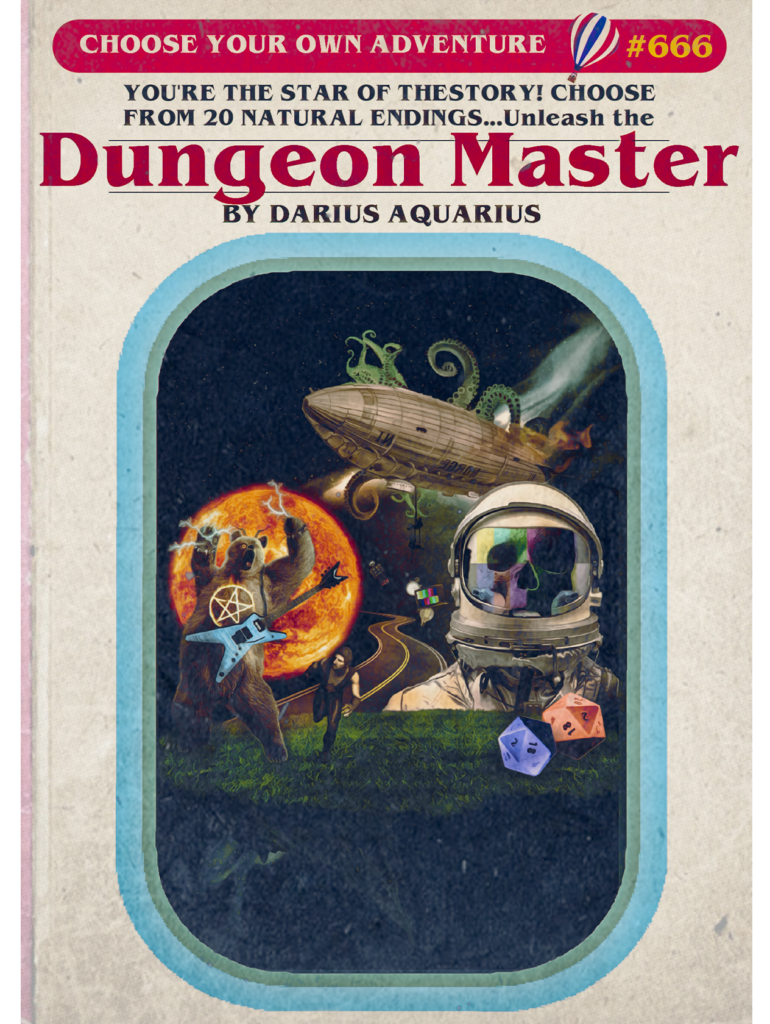
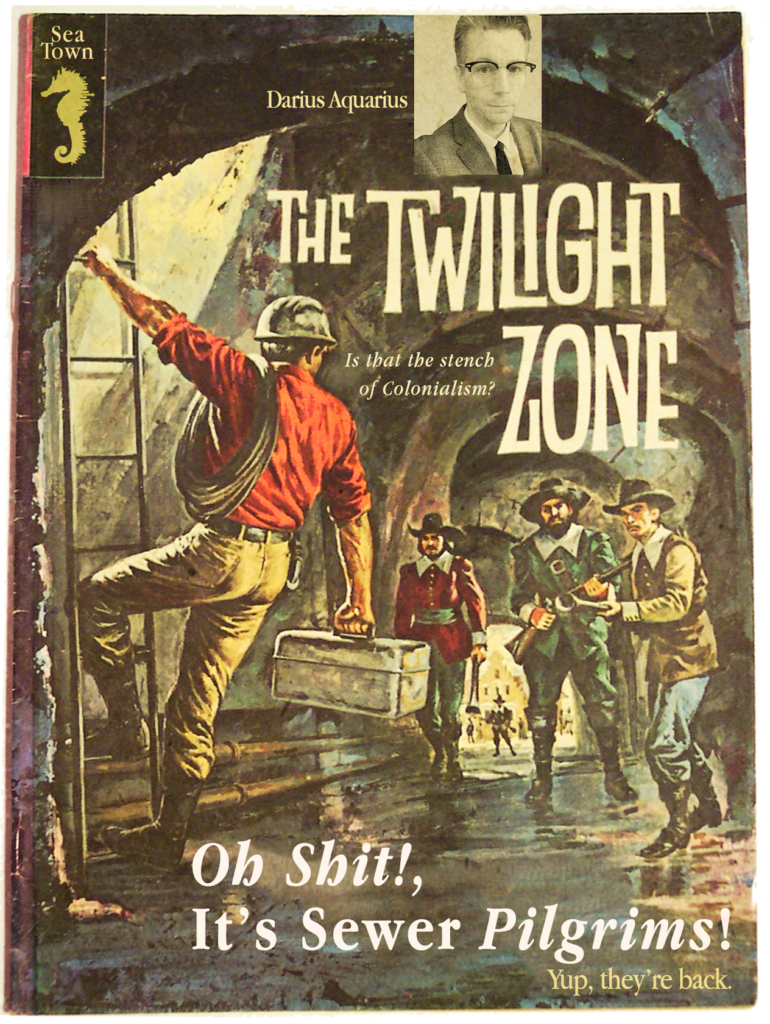
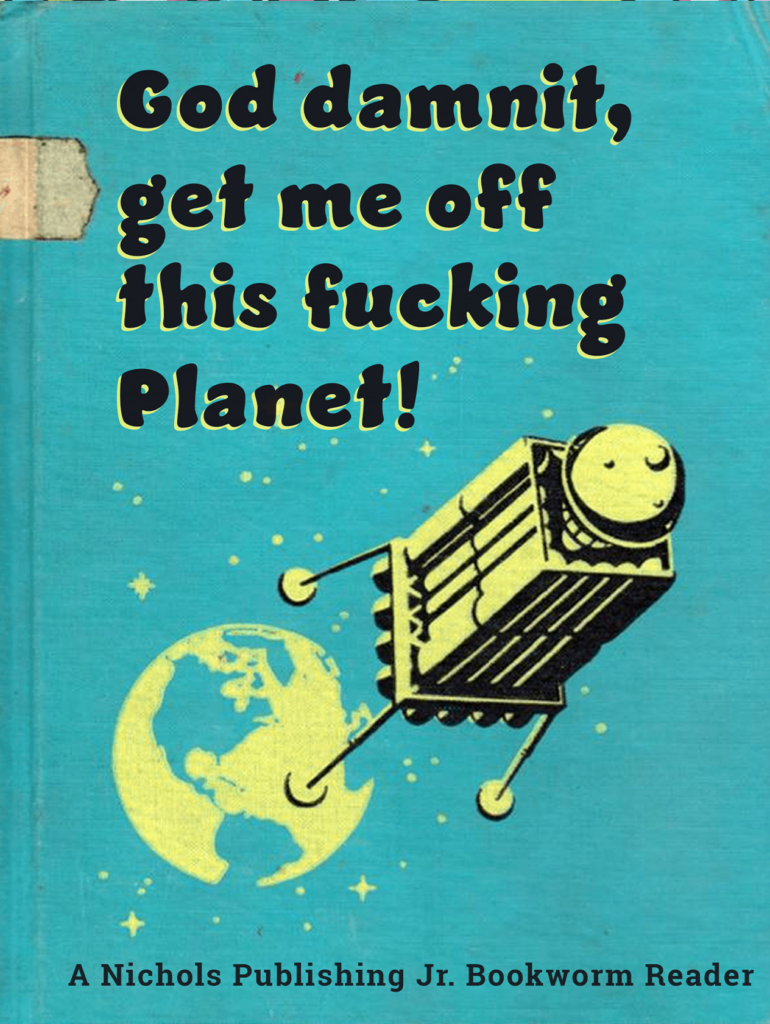
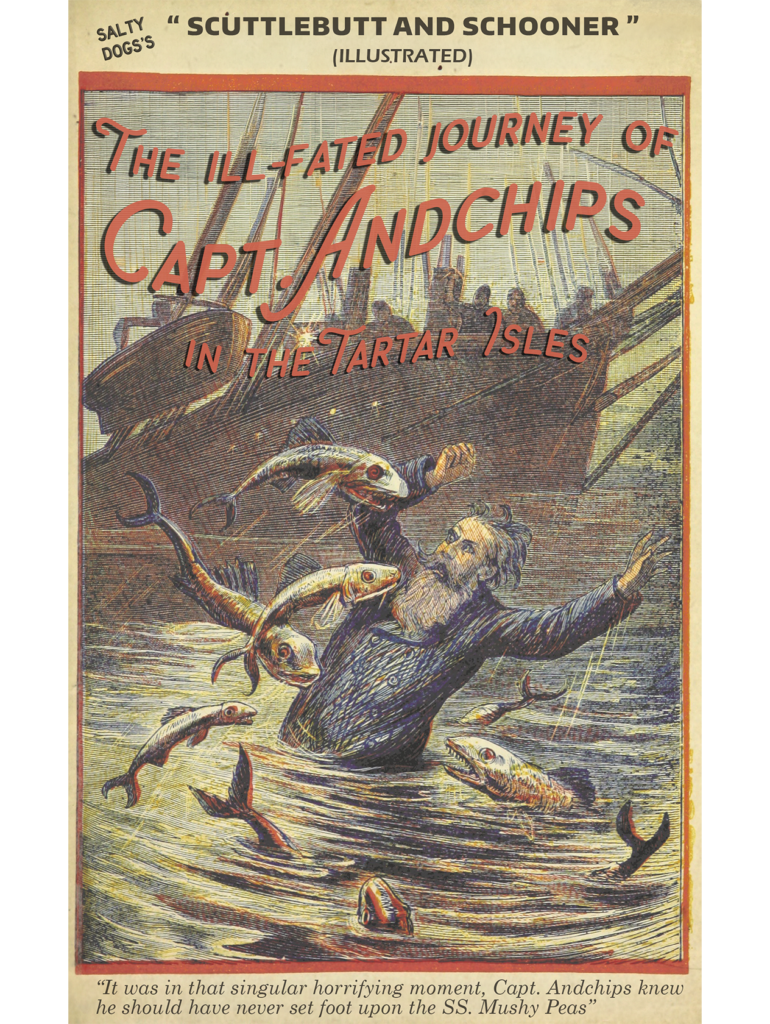
One of my favorite creative exercises is creating digital “readymades” (an exercise rooted in a childhood practice of cutting up catalogs, comics, and other ephemera to create new pieces). I thought what better way to celebrate my digital library than taking scans of vintage books and recontextualizing them in my own warped way.
While you shouldn’t judge a book by its cover, it’s fun when I go to read and open the reader to have a screwball piece of art as the backdrop. Keeping the wallpaper book themed is just chef’s kiss 🤌 ✨ (click to view larger version)
Paint-By-Numbers
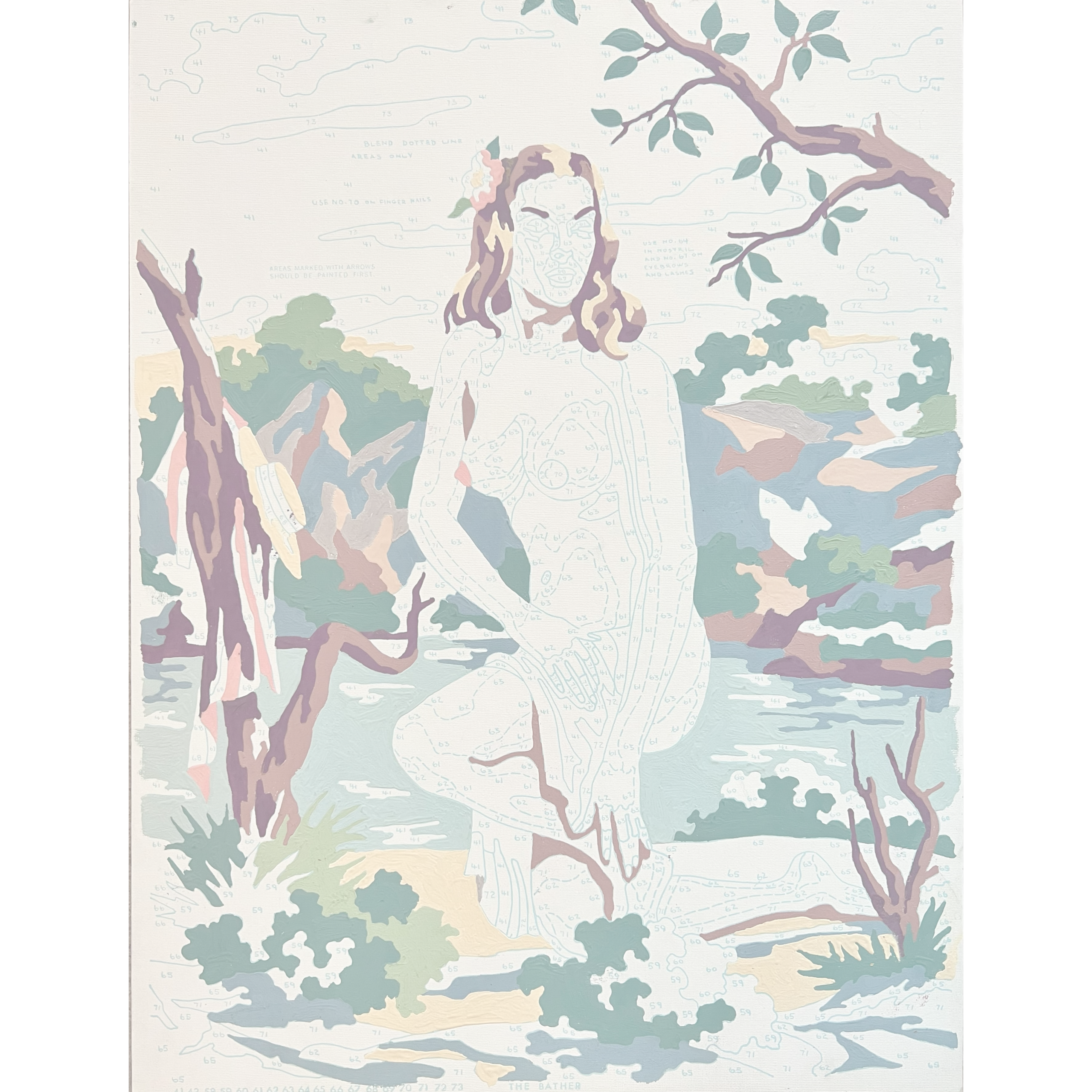
While shopping in a 2nd hand store, I found a vintage paint-by-numbers set of some classic nudes. Craft Master introduced these kits in the early 1950s. They offered a range called the “Studio Nude” series. Some in the series are highly collectable if found unpainted.
I was fascinated; they were half-finished, and the paint inside the kit had long dried up. The paint on many of the numbers was covered up, and some were missing. So, I wasn’t entirely sure how to update the art, but I knew I wanted to repurpose these kitschy pieces.
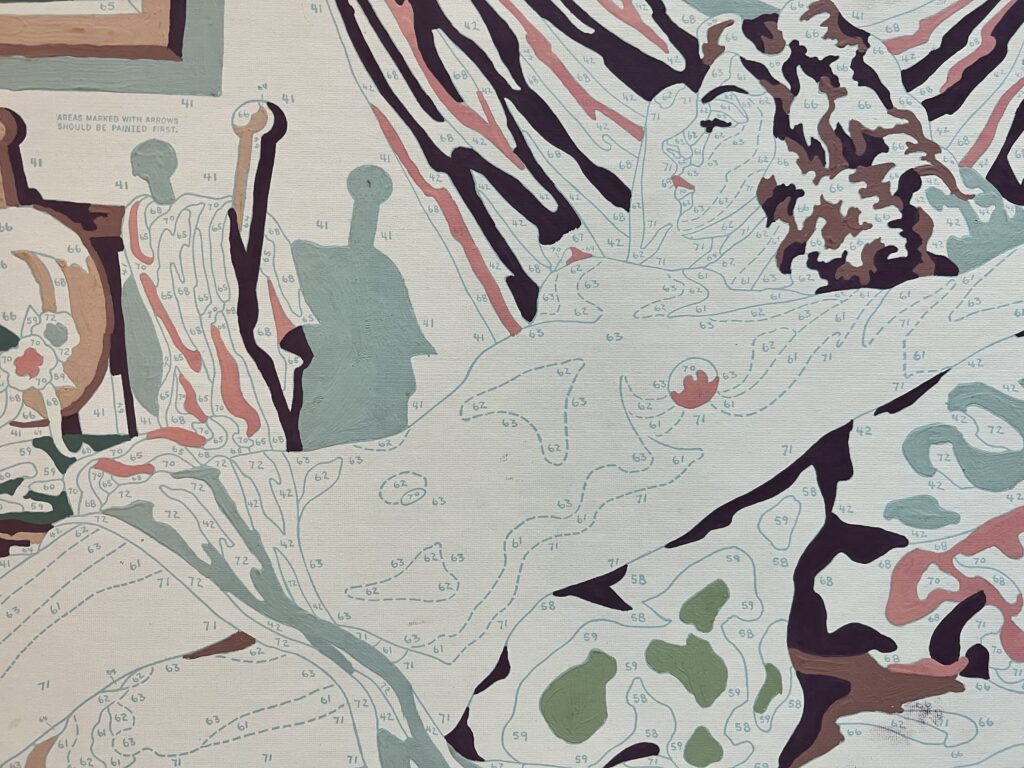
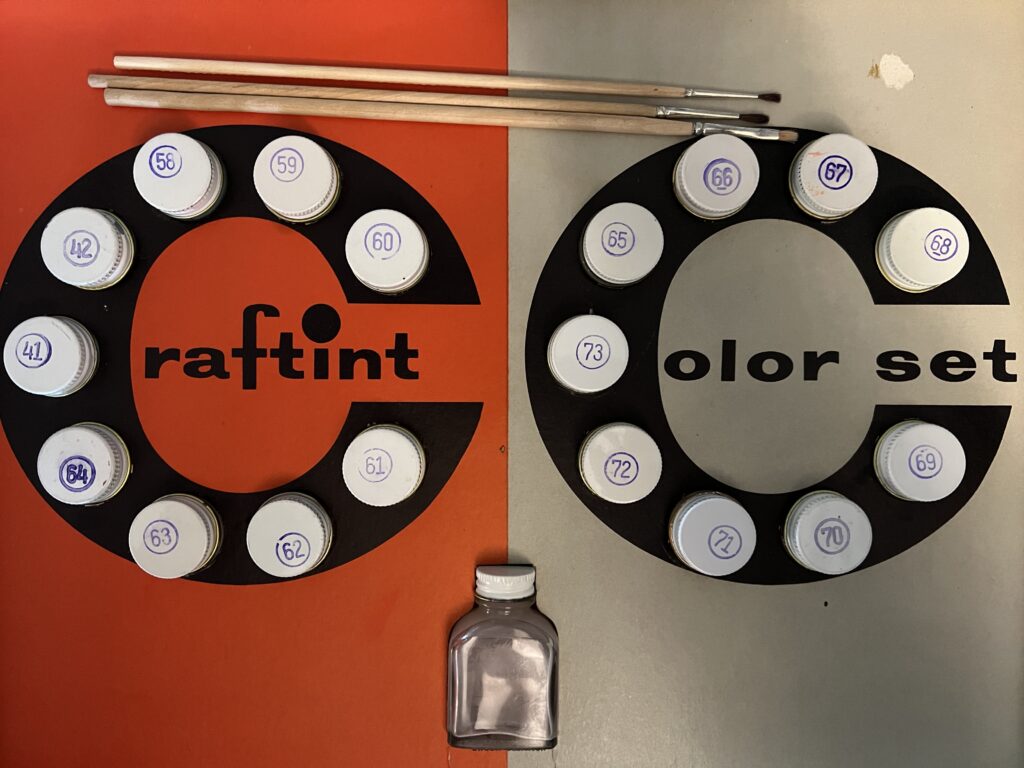
Laying out a process, I knew I would need to utilize multiple tools in Adobe Creative Cloud
I began by photographing the paintings with my phone. I took photos of the paintings on my phone, edited them in Adobe Lightroom to ensure that the numbers and partition lines were visible, then imported them into Adobe Fresco.
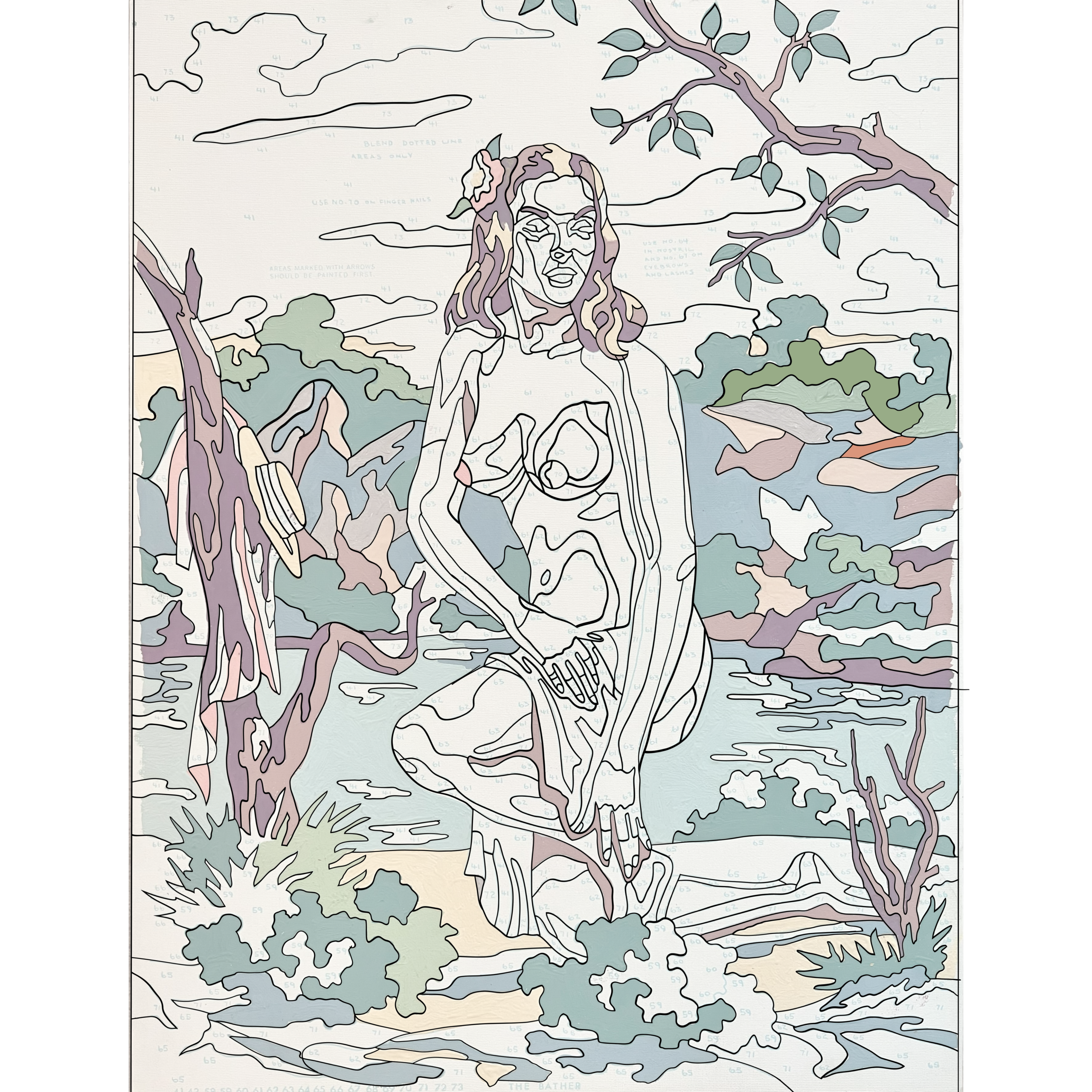
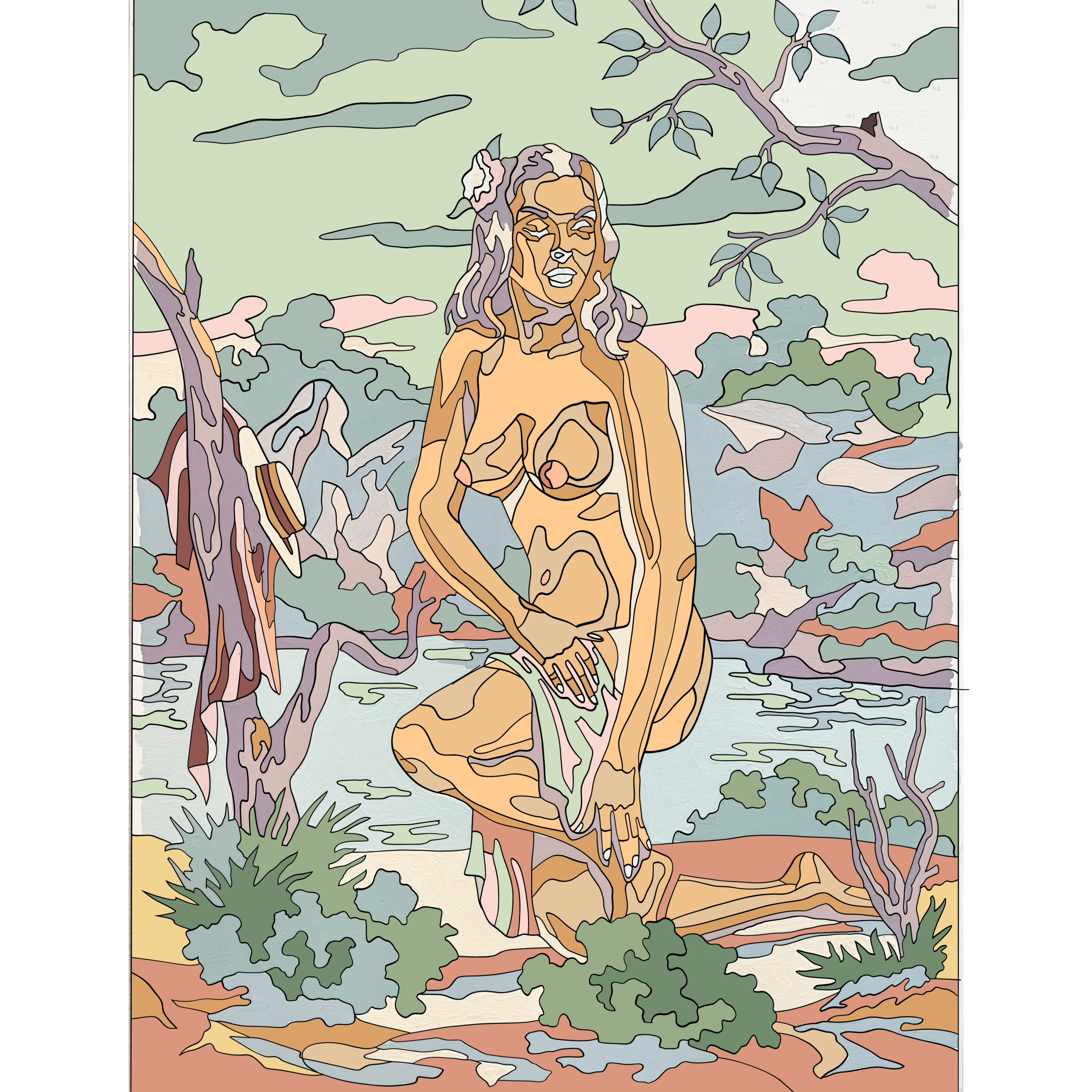
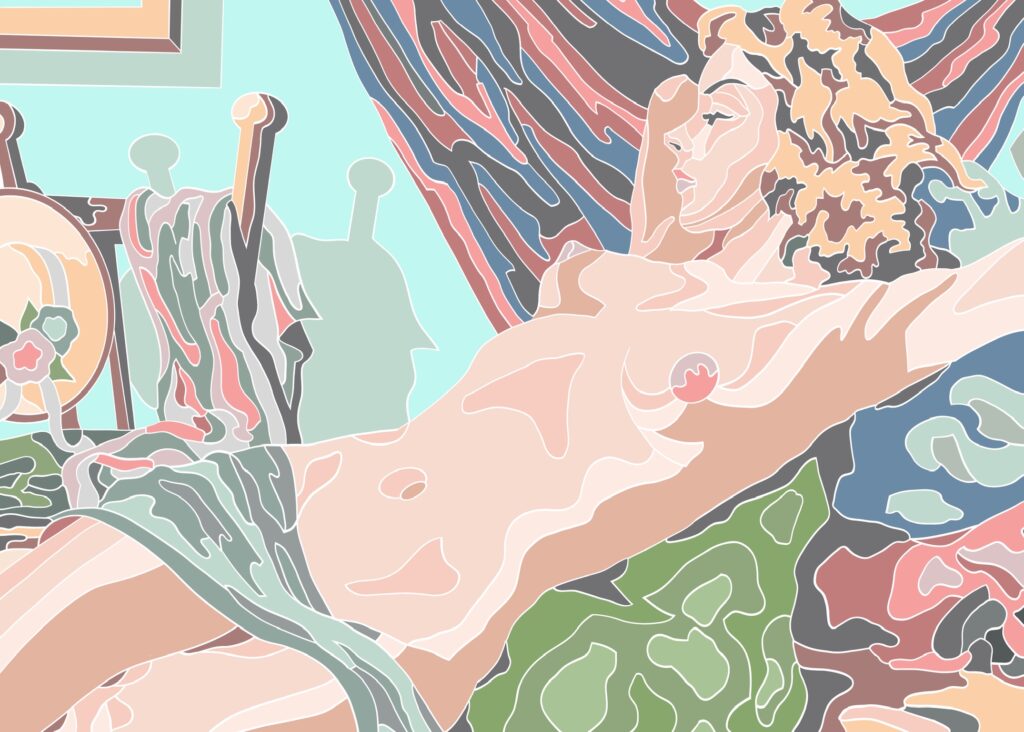
From there, in Fresco, I generated vectored versions of each. In retrospect, I would have preferred thinner linework. I still wasn’t entirely sure of what I wanted the result to be.
After completing the linework, I wanted to create a palette for my blank paintings. I used finished versions I found online as a color reference. By importing these images into Adobe Capture, I generated a palette. While the results are tonally different, I’m satisfied with the unique character it adds to the project.
This project was more about exploring new tools while testing out some ideas and fulfilling a promise of generating something new from a purchase staring at me from the back of a closet.
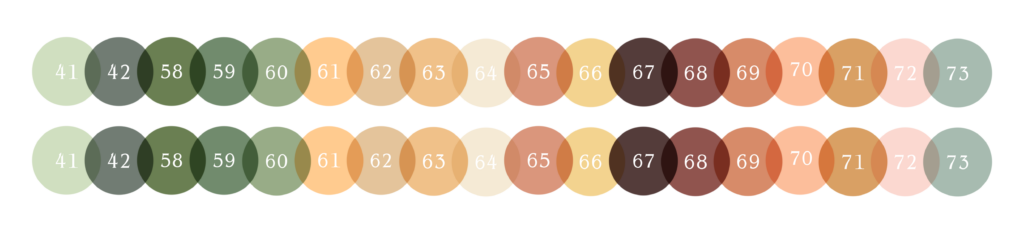
Pallette generated utilizing images of hand-painted versions with Adobe Capture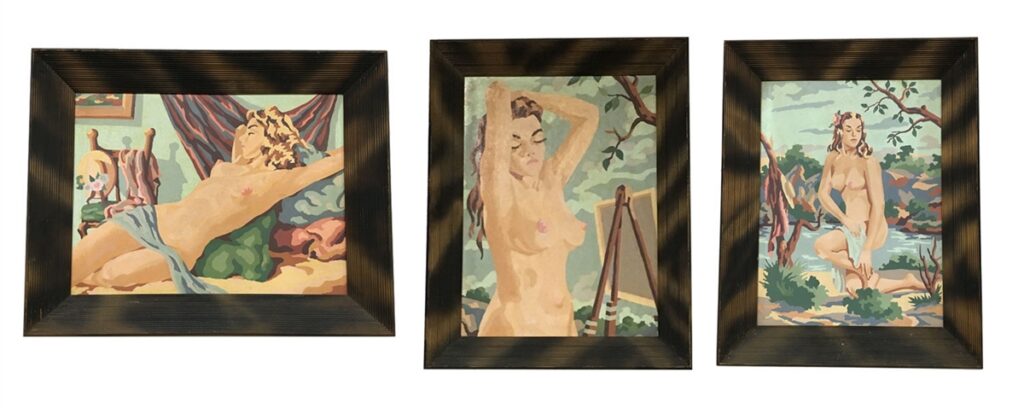
Completed hand-painted versions of the set found online
Thanks for making it this far! If you have a generative art practice or technique that you enjoy, I’d love to hear about it! I hope in some small way, you’ve found inspiration to nurture your own creative spark. Stay creative and stay curious. ✨